Kling 4.0, Seedance 2.5, Veo 3.1 or Wan 3.0?
Wan 3.0, Seedance 2.5, Kling 4.0 or Veo 3.1 Fast? What each model offers on Magi2Video.io, how credit prices work, and a cheap-to-final workflow.
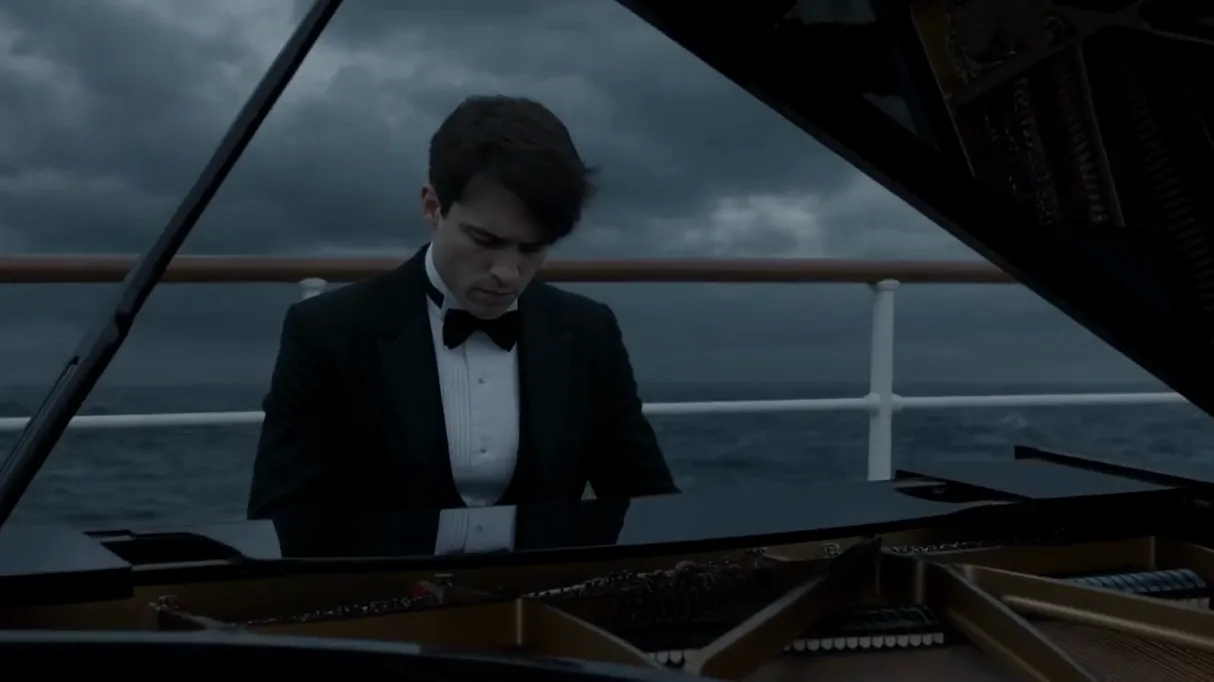
Start with Wan 3.0 at 480p to test an idea cheaply, then re-render the version you like on the model that suits the shot: Seedance 2.5 or Kling 4.0 for a 5- or 10-second final at 1080p, or Veo 3.1 Fast when an 8-second clip at a flat price is what you need. All four render sound with the picture, all four accept a text prompt or a first-frame image, and the studio shows the exact cost before you press Generate.
The four models at a glance
| Model | Resolutions | Lengths | Frame shapes | Priced |
|---|---|---|---|---|
| Wan 3.0 | 480p, 720p, 1080p | 5 or 10 s | 16:9, 9:16, 1:1 | per second |
| Seedance 2.5 | 480p, 720p, 1080p | 5 or 10 s | 16:9, 9:16, 1:1 | per second |
| Kling 4.0 | 720p, 1080p | 5 or 10 s | 16:9, 9:16, 1:1 | per second |
| Veo 3.1 Fast | 720p, 1080p | one 8 s clip | 16:9, 9:16 | per clip |
MAGI-2 also appears in the picker, marked "coming soon". It can't be selected yet; MAGI-2 explained says why.
How the credit price works
Three of the models charge per second of video, and the rate depends on resolution. The price of a clip is simply rate × length, so a 10-second clip costs twice a 5-second one.
| Model | 480p | 720p | 1080p |
|---|---|---|---|
| Wan 3.0 | 2 | 4 | 7 |
| Seedance 2.5 | 6 | 12 | 30 |
| Kling 4.0 | (not offered) | 6 | 9 |
Credits per second of video.
Veo 3.1 Fast charges per clip: 12 credits for an 8-second clip at 720p, 13 at 1080p. Because the price is fixed per clip, it does not grow with length the way the others do.
Three things follow from these tables:
- Resolution matters as much as the model. Within one model, stepping up to 1080p can multiply the rate several times over, so compare a model's own 480p, 720p and 1080p rates before switching models to save credits.
- Length doubles the bill. Draft at 5 seconds, and only go to 10 once the motion is right.
- Draft cheap, finish once. Wan 3.0 at 480p is the lowest rate on the site. A 5-second clip there is exactly what the free sign-up grant of 10 credits covers.
When to use each model
Wan 3.0: drafts and volume
Pick Wan 3.0 when you are still working out the prompt, need many variations, or want a usable 720p or 1080p result without spending much. It offers every resolution from 480p to 1080p, so you can keep the same model from first draft to final if the look holds up.
Seedance 2.5: polished motion, wide range
Seedance 2.5 is a good choice for finished, cinematic shots: camera moves, landscapes, products, stylised scenes. It covers 480p to 1080p too, which makes it easy to draft and finish on the same model. Its 1080p rate is the highest in the studio, so check the shot at a lower resolution first.
Kling 4.0: people and action
Choose Kling 4.0 for shots where body movement and expression carry the scene: someone walking, dancing, turning to the camera. It starts at 720p, and its 1080p rate is moderate compared with Seedance 2.5 at the same resolution. Remember that real people may appear only with their consent and public figures never (Acceptable Use Policy).
Veo 3.1 Fast: one fixed 8-second clip
Veo 3.1 Fast makes a single 8-second clip in 16:9 or 9:16 at a flat price. That suits a landscape b-roll insert or a vertical short where 8 seconds is the right length. It has no 1:1 shape and no length choice.
A workflow that saves credits
- Write one shot, not a story: subject, action, setting, light, camera move, sounds.
- Draft on Wan 3.0 at 480p, 5 seconds. Adjust the prompt until the motion and framing work.
- Lock the frame shape you will publish in (16:9, 9:16 or 1:1) before the final render.
- Re-render once on the model that fits: Seedance 2.5 for polish, Kling 4.0 for people, Veo 3.1 Fast for a fixed 8-second clip, or Wan 3.0 at 1080p for the lowest-cost final.
- If the first frame matters (a product, a character, a layout), use image to video so every model starts from the same picture.
Failed renders return their credits automatically, and a prompt stopped by safety screening is never charged.
FAQ
Which model is cheapest? Wan 3.0 has the lowest per-second rate at every resolution it shares with the others.
Which model makes sound? All four. Every clip comes with a soundtrack generated for the scene.
Can I switch models on the same prompt? Yes. The prompt and first-frame image carry over; only the price and available options change.
Why can't I pick 1:1 on Veo 3.1 Fast? The model offers only 16:9 and 9:16.
Try it in the generator
Pick a model, write a prompt, add a first frame if you like, and see the credit cost before you render.